- Role
- Core flows lead, UI trio
- Team
- Hardware, product, engineering; three designers
- Stage
- New hardware category
- Timeline
- Oct 2025 – Feb 2026, design complete · launched June 2026
- Problem
- Our card program was expressive and scaled, but its growth was slowing as we started to hit market saturation and aggressive new competitors. And Gen Z, our core customers, were trading plastic for tap-to-pay.
- Opportunity
- Gen Z was having an analog moment and wearing charms as fashion. Cash App had their trust, real fashion chops and a card built on self-expression. A halo product could lead the market by word of mouth, make us stickier and win new customers.
- Solution
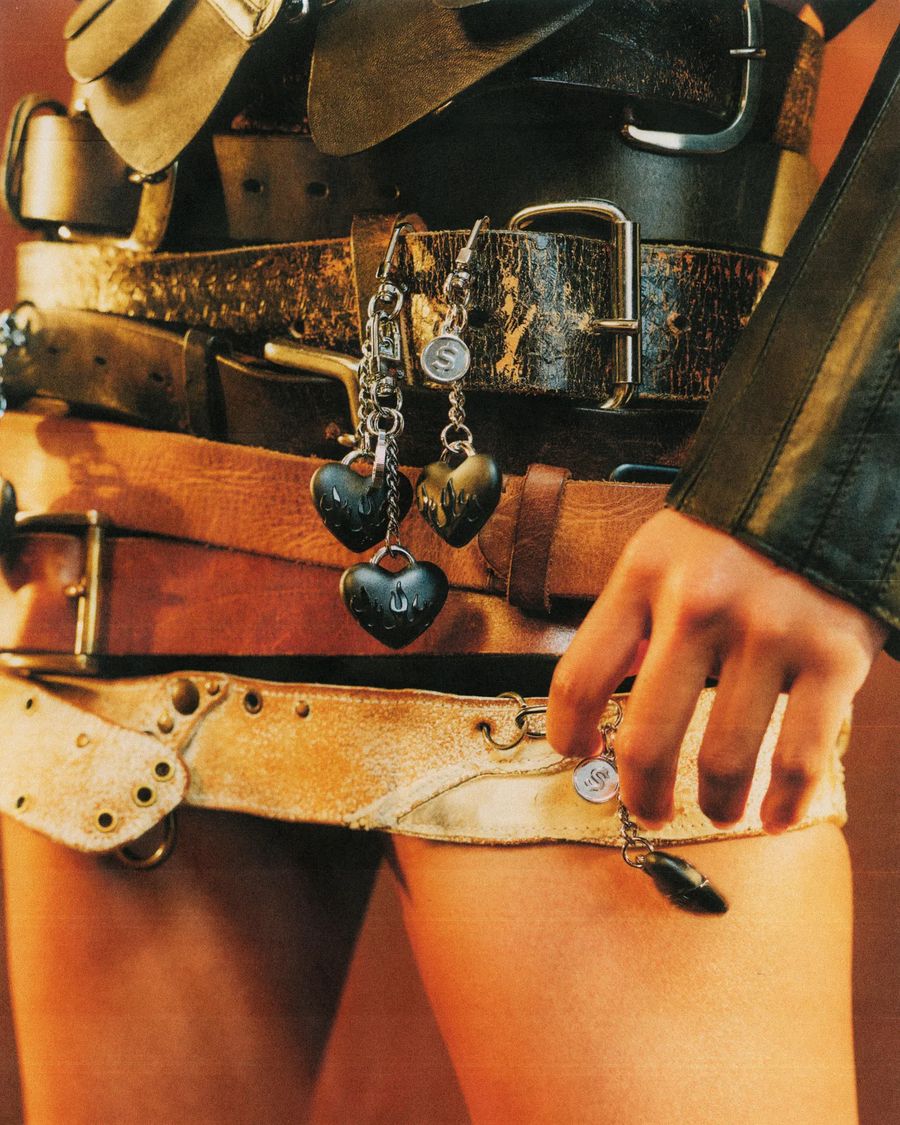
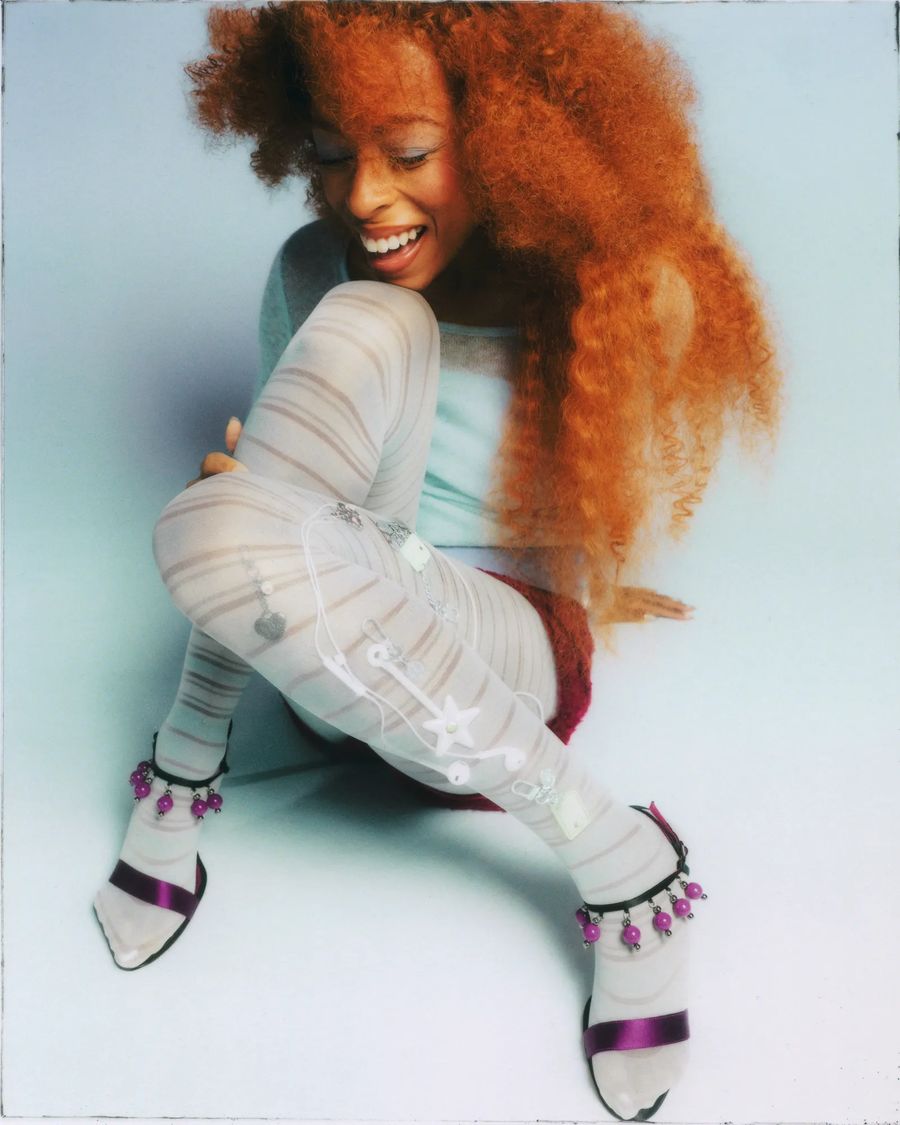
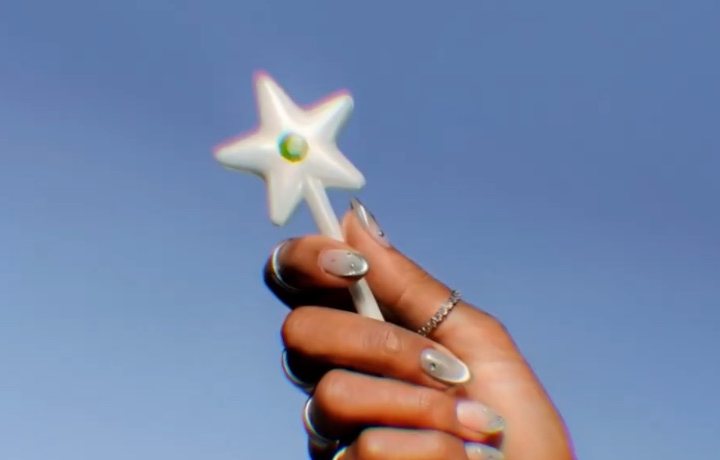
- Cash App Tags: a new tap-to-pay hardware form factor, charms that pay like your card, built on Cash App’s strengths. We launched them in limited drops, with ordering, setup and one home for all your hardware in the app.
Browse
All hardware
Wand page
Heart page
Card page
Money tab theme
Cardware tab theme
Activation
Mini card activation
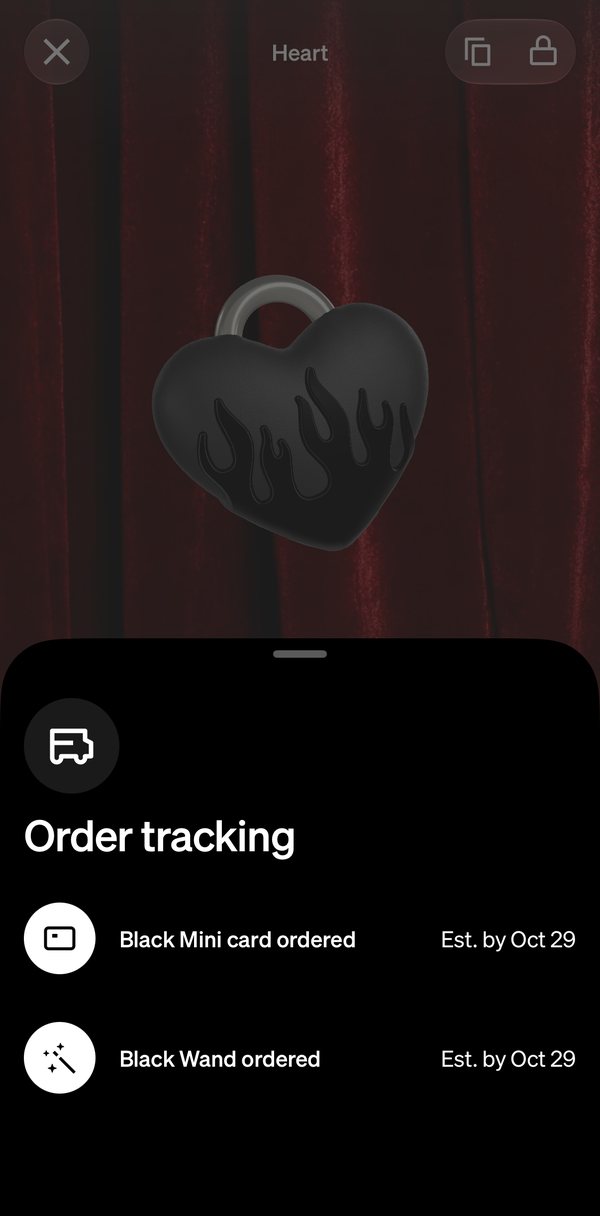
Order tracking
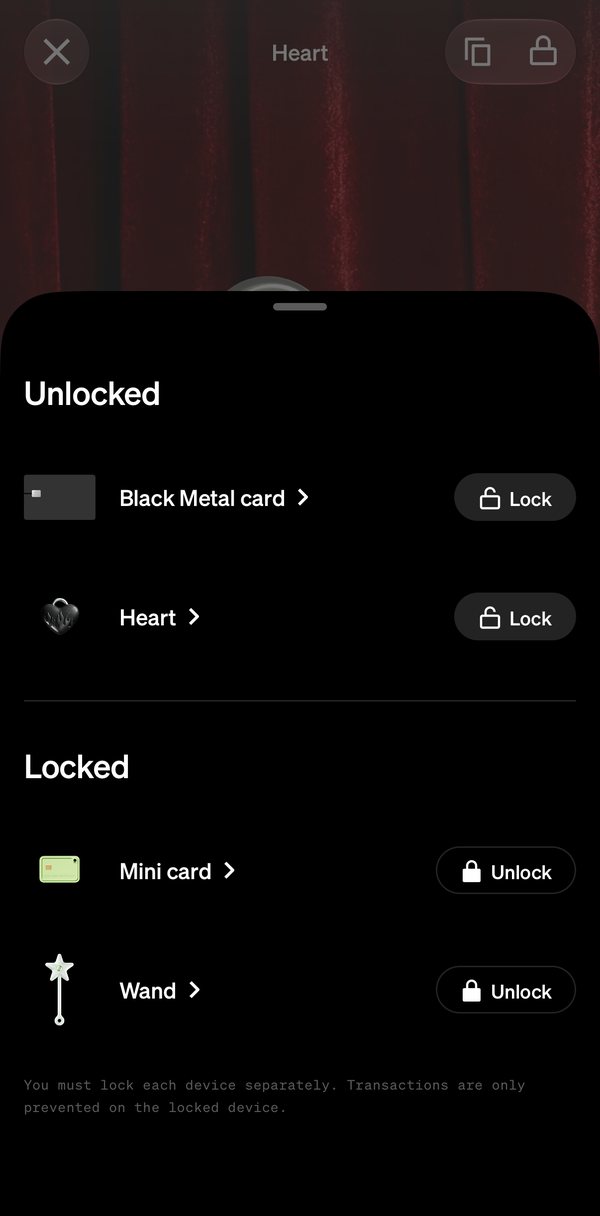
Lock
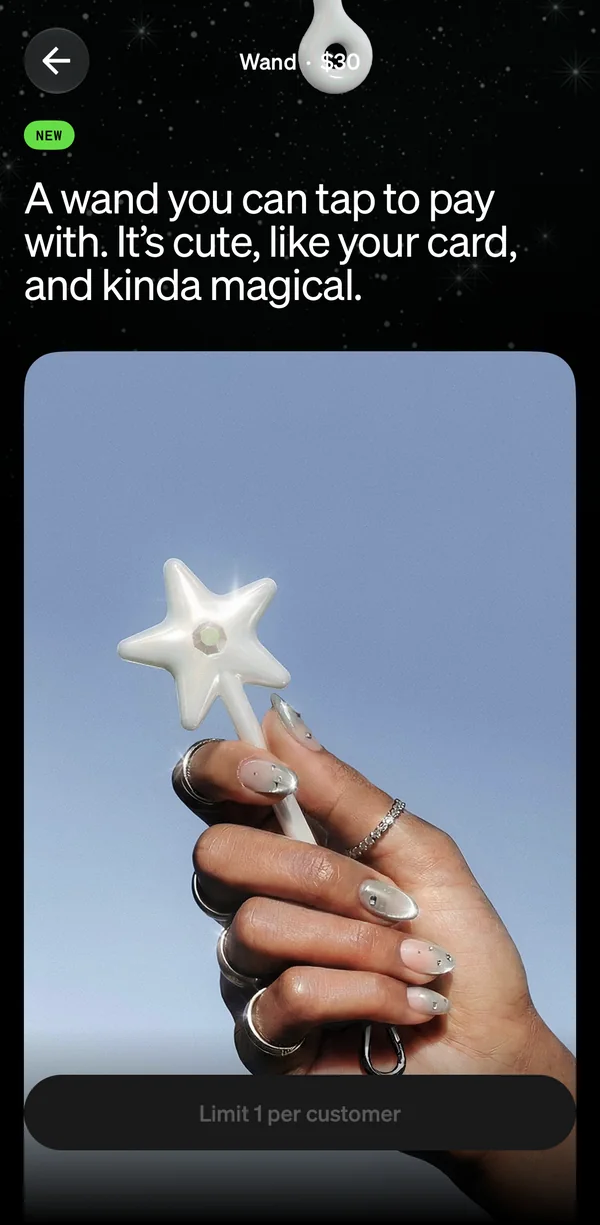
In hand
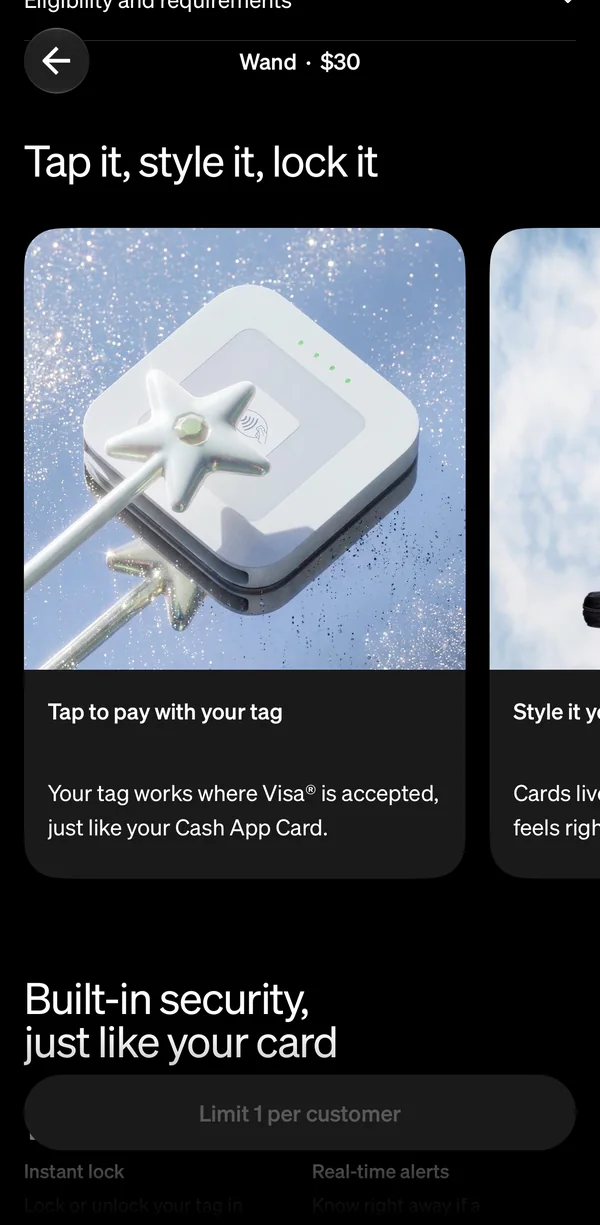
Features
Security
Hours
Until the first Wand drop sold out
3M+
Waitlist sign-ups, with zero paid marketing
Same day
Mini Card drop, sold out
86 min
Heart drop, sold out
30 min
Second Wand drop, sold out

It went viral on its own.
 Sierra Catalina@sierracatalina
one of the most delightful user experiences I’ve had in a long time.
taste is in fact a moat.
 Brianne Kimmel@briannekimmel
To be culturally relevant, you don’t always need a brand new idea… you can find something fun and bring it to the masses.
This is brilliantly done by one of the only fintech companies that could pull this off with the right crowd.
 Thomas Templeton@TempletonThomas
the cash app card took one of the most boring objects in your pocket and made it something people actually wanted to show off.
 View on X
 Julia Grace@jewelia
I have one. It’s epic, HW + SW integration is ✨ used it this morning, blew people’s minds


“Cash App has apparently looked at the simple act of tapping to pay and decided it needed a little more theater.”
Android Authority“…there’s something whimsical about tapping a wand to pay for things.”
TechCrunch“The cool kids will want to have one.”
Javelin Strategy & Research, in PaymentsJournal“Cash App launches a payment wand for when Apple Pay just isn’t magical enough”
9to5Mac“Cash App Turns Credit Card Into a Toy, Grown Men Deeply Jealous”
Gizmodo“…it got everyone to talk about Cash App.”
eMarketer
First impressionsmatter.
The screen bridges hardware and software. Each tag’s own shape glows exactly where it goes, so customers set it down in the one spot that works and let go, instead of holding it awkwardly through a long setup, in positions that could break activation.
Correct positioning
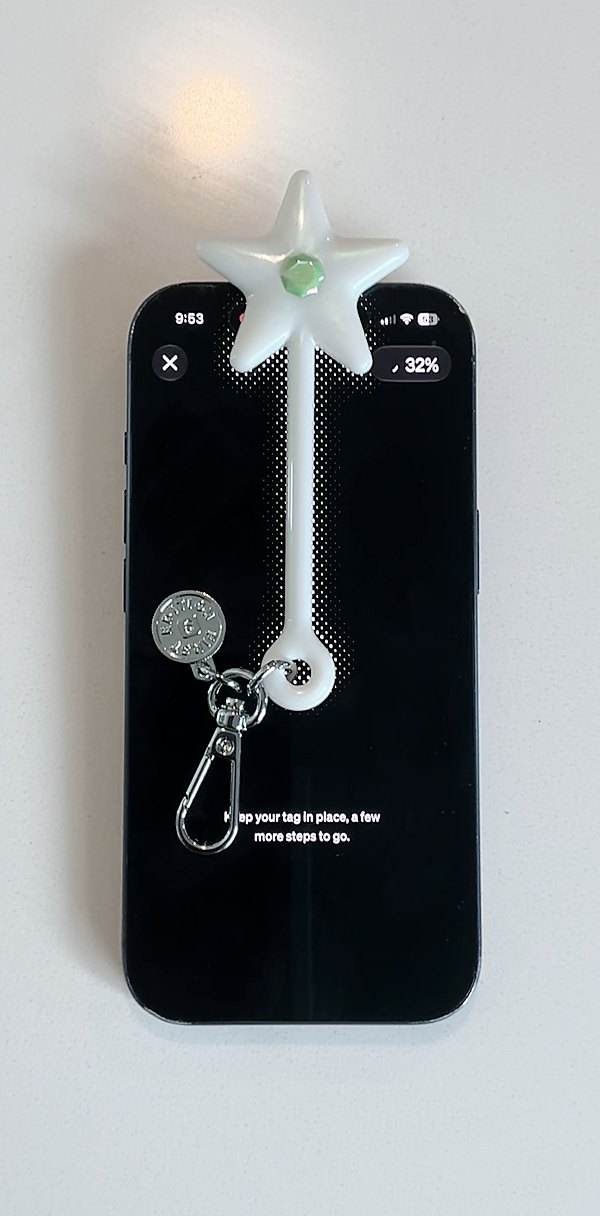
In person
On screen · recording at 2× speed
From oneto many.
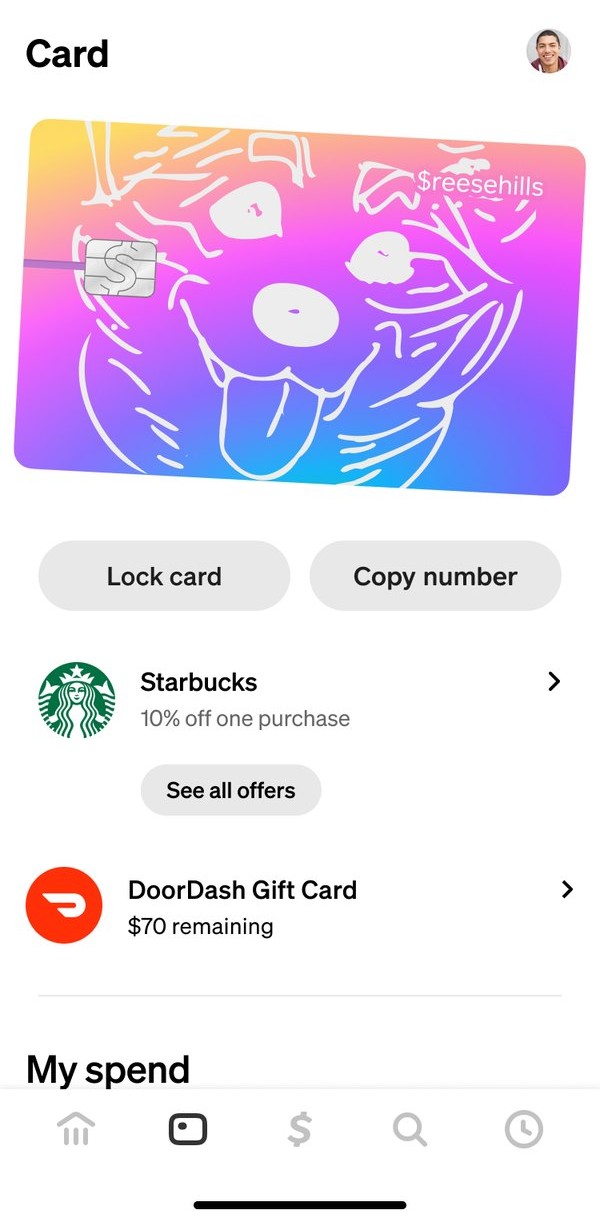
Before · the 2024 Card tab
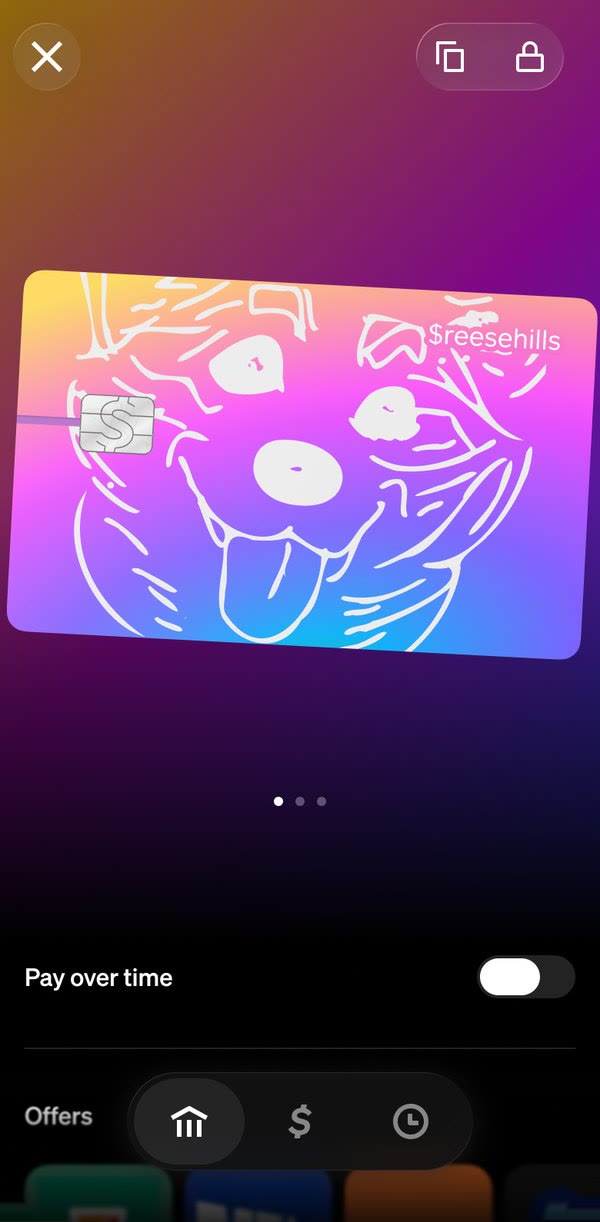
Shipped · the Cardware tab, redesigned for Tags
Up into the cornerCopy and lock are among the most used controls, but as two big buttons they pushed everything else too far down. Shrunk into one control, they stay one tap away.
A bigger stageRoom for different form factors to live side by side, and big enough that swiping to flip the card never fights swiping to the next device.
Shipped · Home peeks the last device you viewed, in 3D; each one locks on its own
Shipped · Swipe from the card to a tag and back; each keeps its own world
Every surface, rethought.
Going from one card to many devices meant rethinking surfaces we’d never had to question. Order status used to be a shipping timeline for your one card. Now it’s one row, and with several orders on the way, that row opens a drawer that tracks each one.
Before
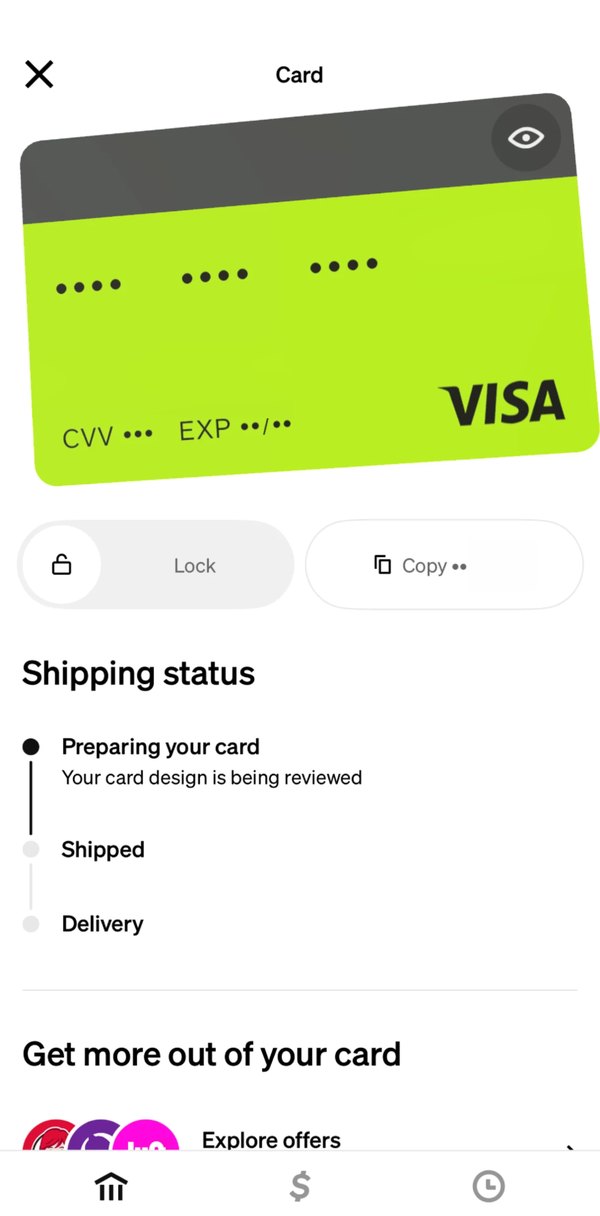
one card, one shipping timeline
Shipped
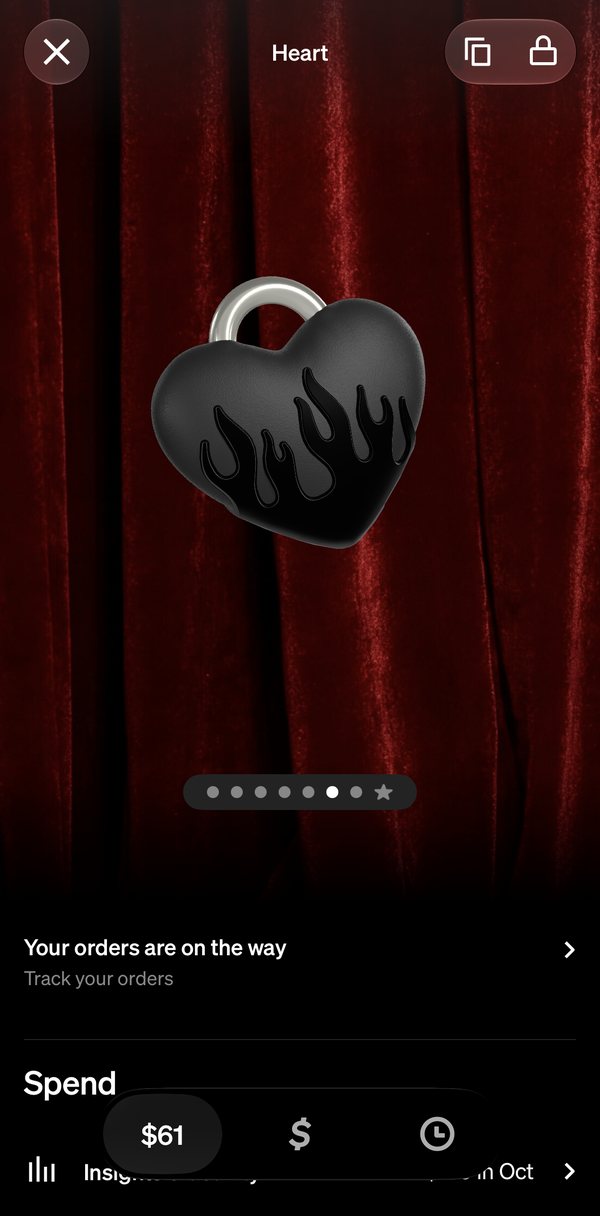
one row for every order
Shipped
tap it, and a drawer tracks each one
Lock
every device’s state, in one drawer
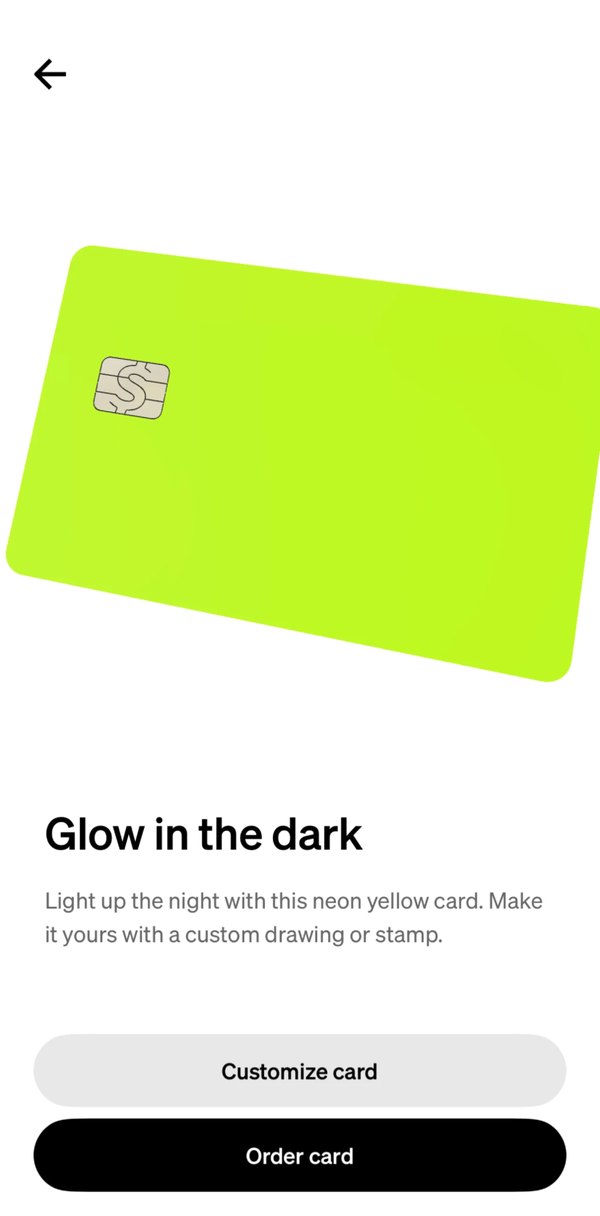
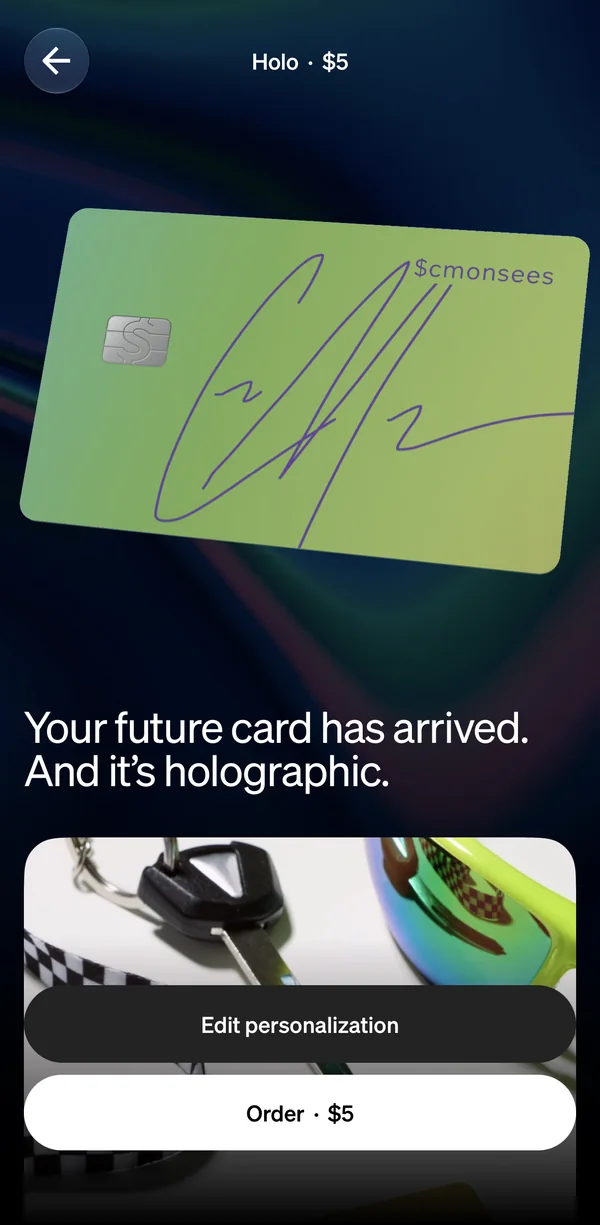
A bigger page,a new way to order.
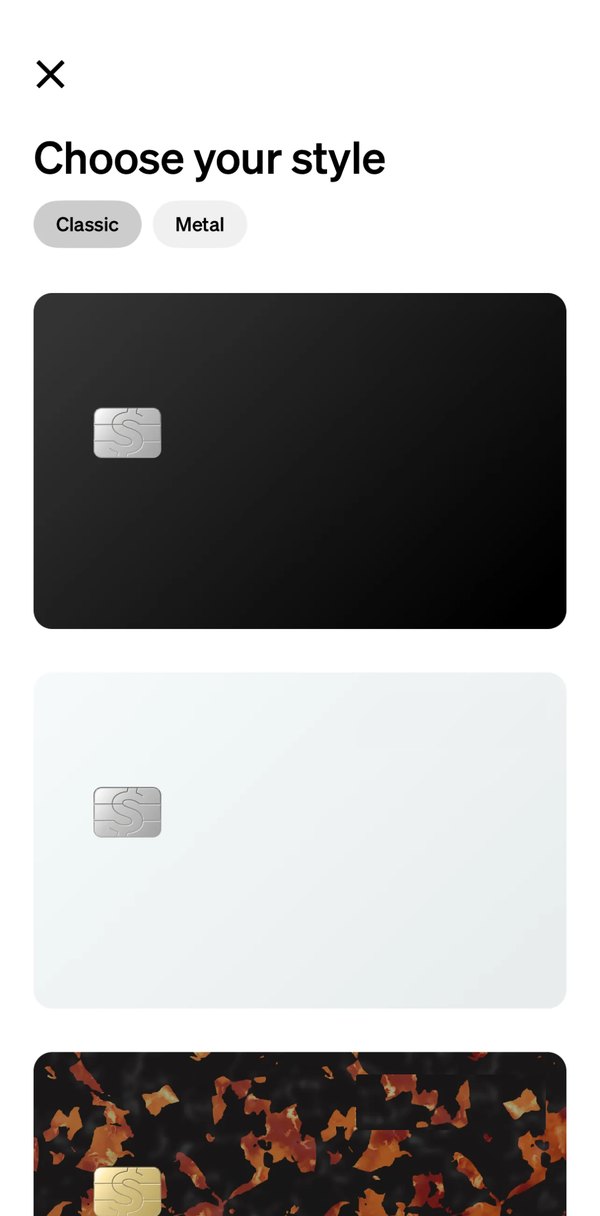
Before
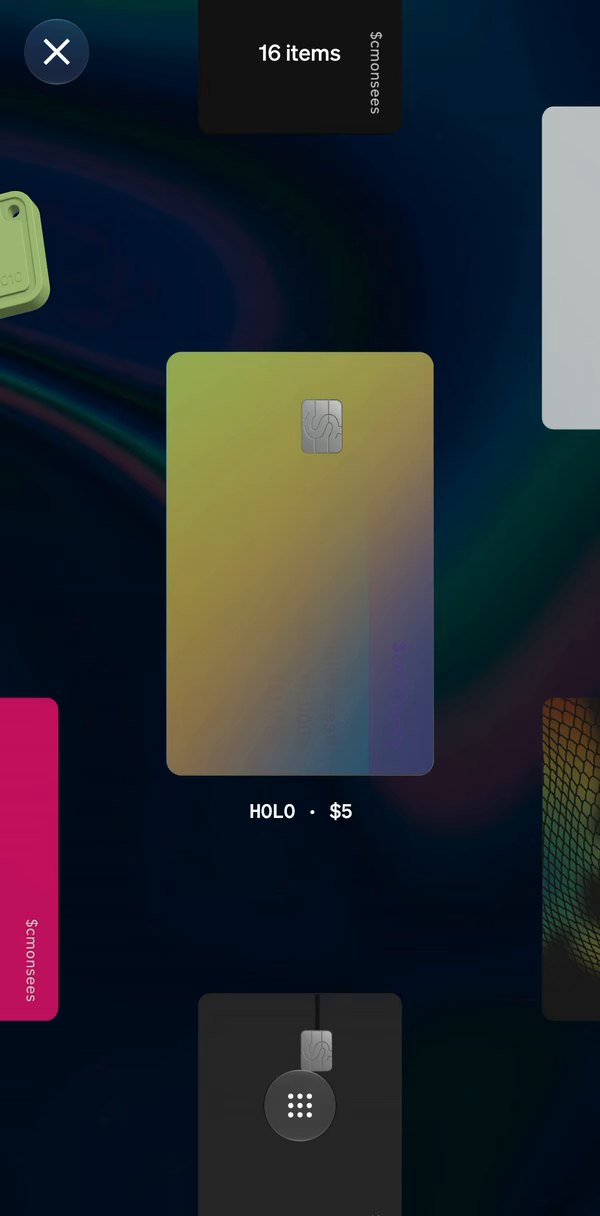
After
A canvas, not a listAn endless canvas invites casual browsing, and fits every shape and size of hardware better than a list of rectangles.
Zoom out to see it allOne tap on the grid shows every piece at once, priced.
Before
After
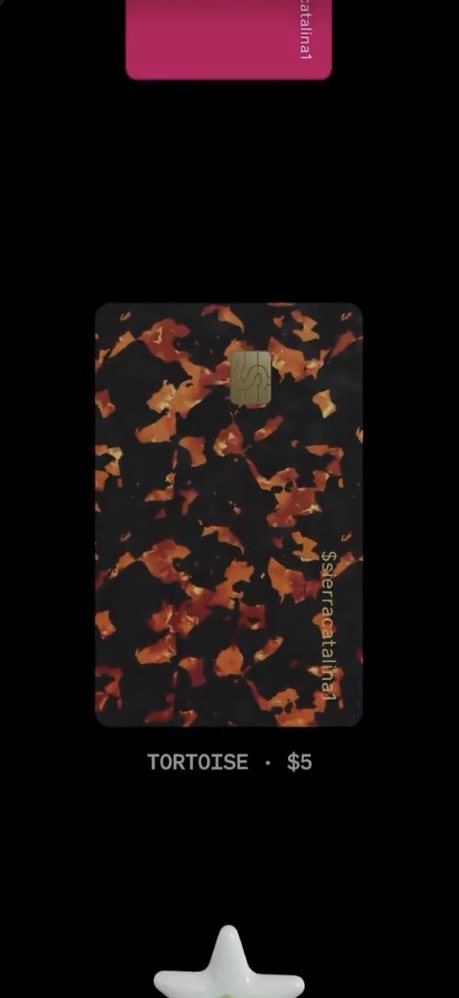
The finish, in motionThe card turns in 3D and shimmers like real holo, over a backdrop in its own colors.
Room for a storyA headline and lifestyle photos sell the piece before you order it.
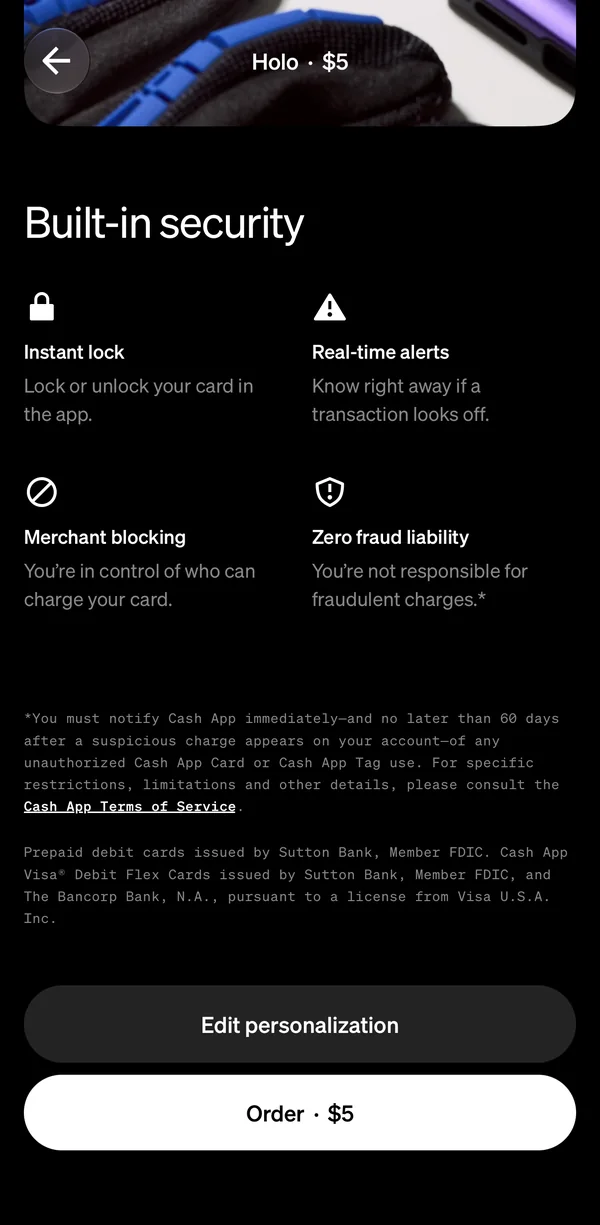
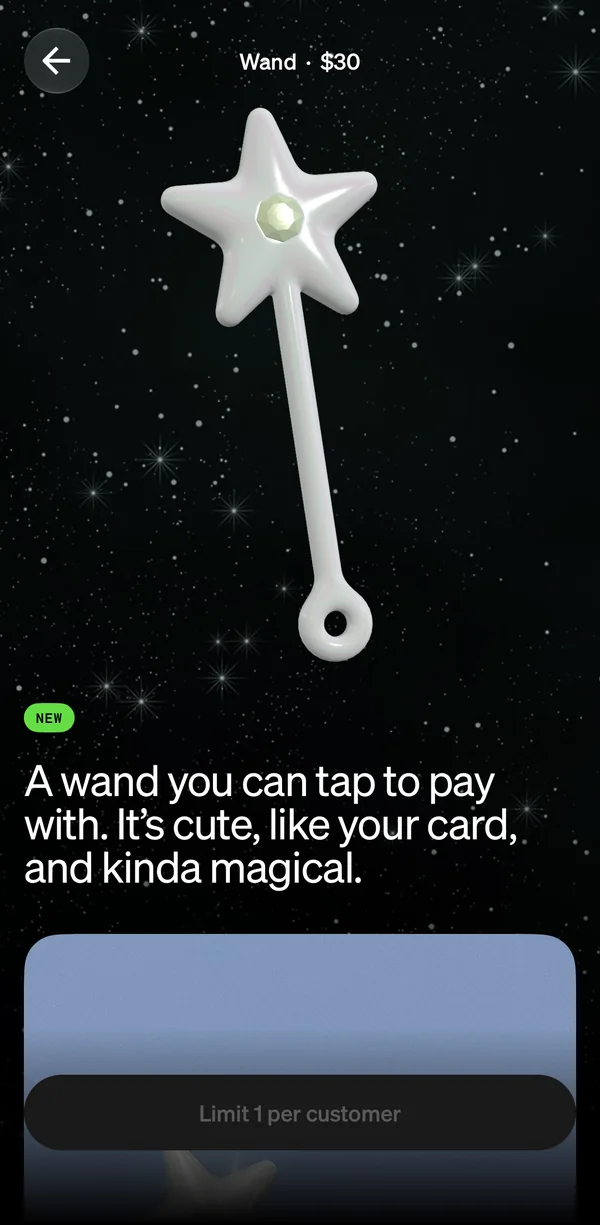
A new kind of hardware has to explain itself. The bigger page gives the Wand room to: the object in 3D, then in a real hand, then what it does, from tap to pay to built-in security.
Wand page
Scrolled
Scrolled further
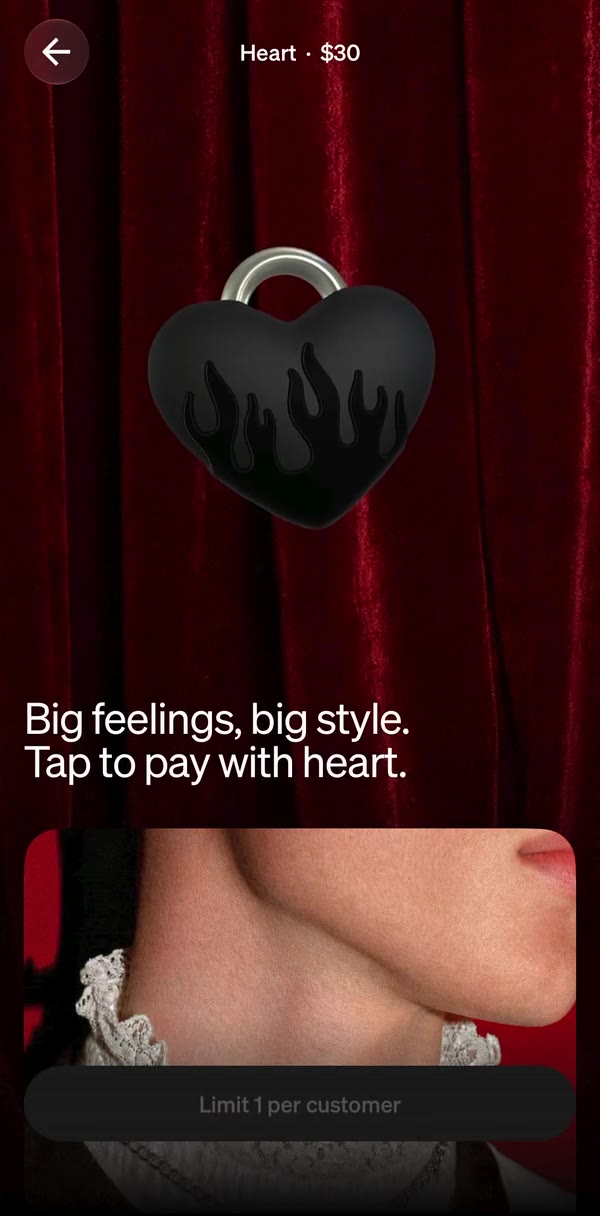
One theme, every surface.
A tag’s theme follows it everywhere it shows up: its page, home, where it peeks above your balance, and the Cardware tab. The same object, in the same world, on every surface.
Page
Home
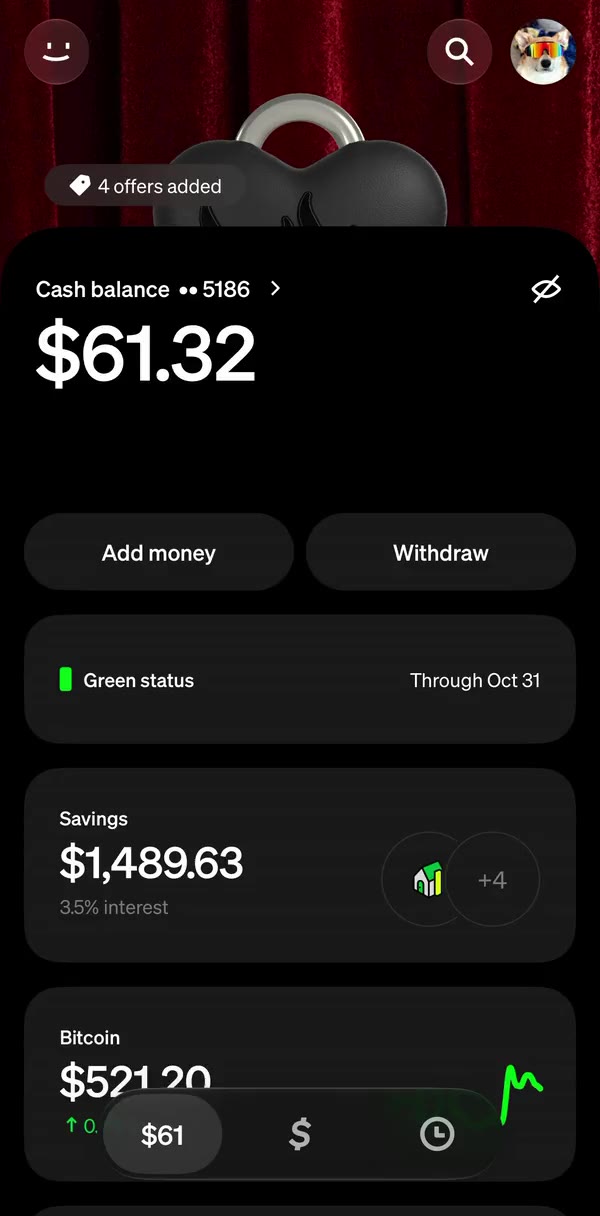
Cardware tab
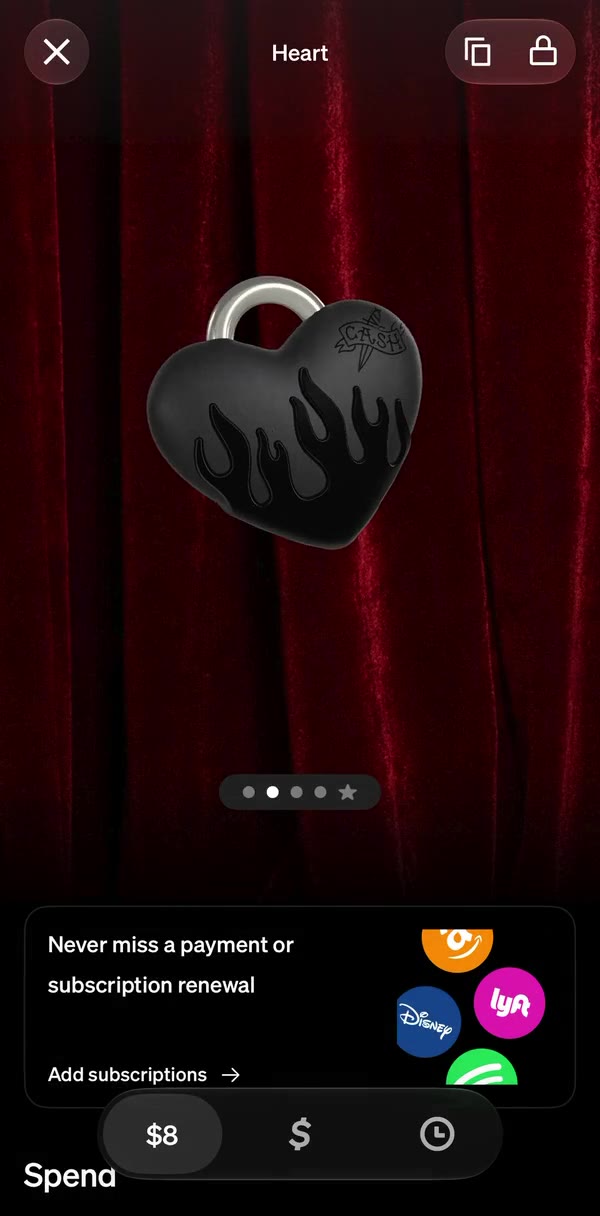
One continuous spatial model.
Browsing never cuts from list to page. Browse shows one tag at a time; tap to zoom into its page, or zoom out to see every piece, deduplicated and priced. Closing puts each tag back where it came from.
Browse
All hardware
Page
Heart