Conner Monsées 04 · Card Experience
Cash App, Card Experience2022–2025

Materially better money.

Role
Card Experience lead
Team
Cash App Card
Scope
Card Studio to the home screen
Timeline
2022–2025
Overview
Problem
Customers designed their card with pride, then lost sight of it. The app showed one stiff 3D model that looked nothing like the real card.
Opportunity
The card is Cash App’s identity, and customers who customize it engage more. The more of the app it shows up in, the more that pays off.
Solution
Break down the wall between the physical card and the digital one. Render each card’s real material faithfully, then carry it to where people pay, in the keypad, payments and stickers, so a card is as expressive on screen as it is in a wallet.
What shipped
Card tab
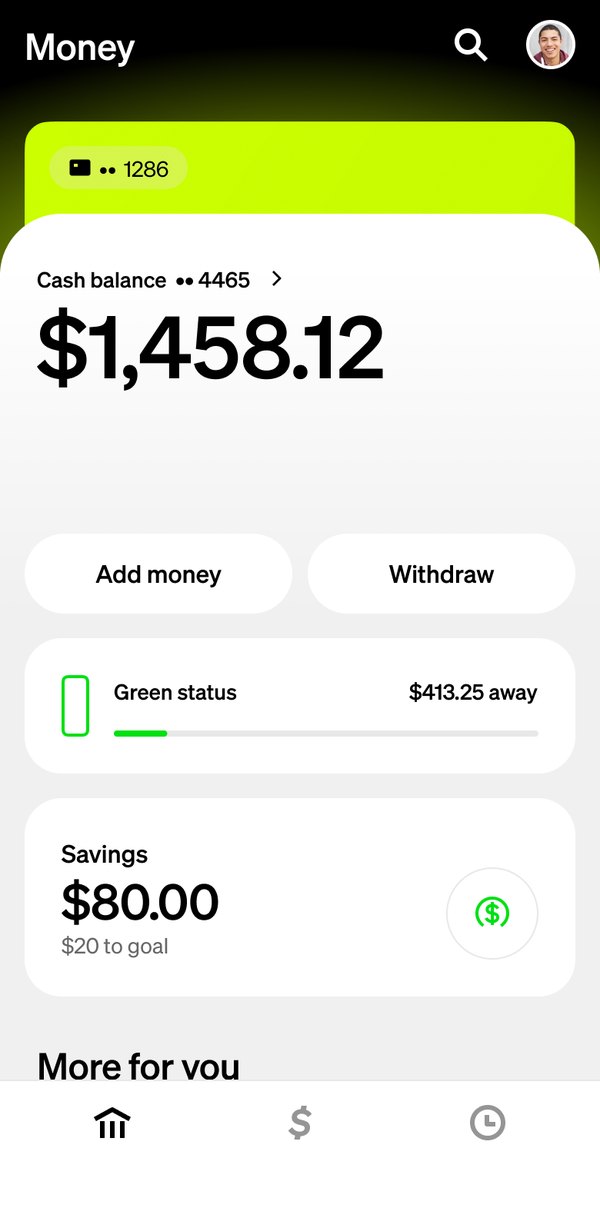
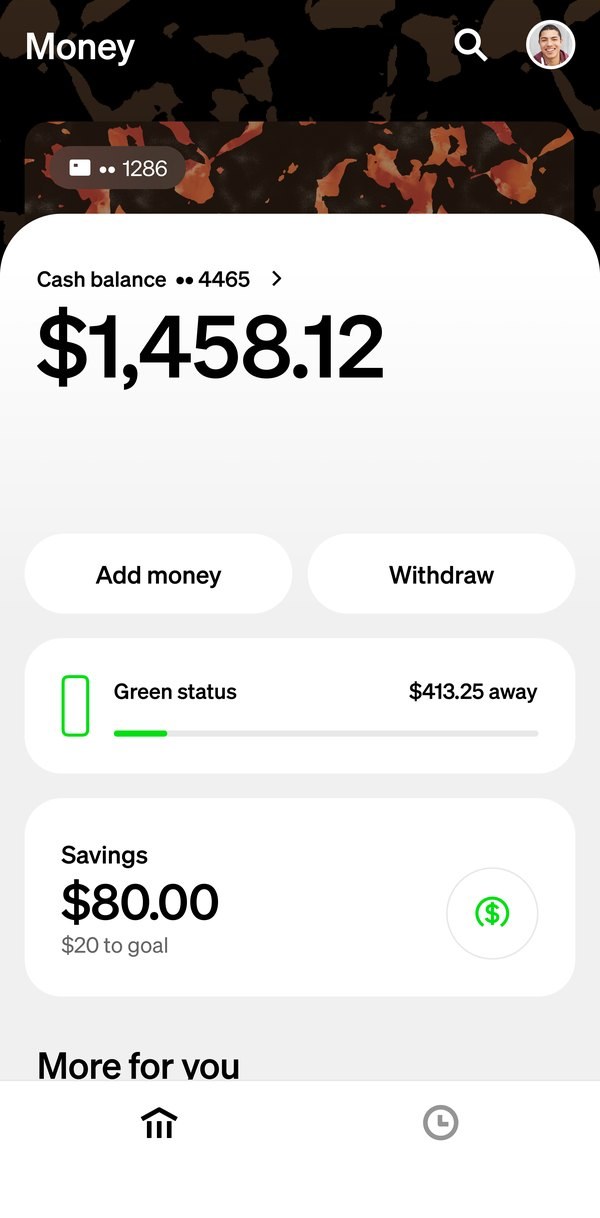
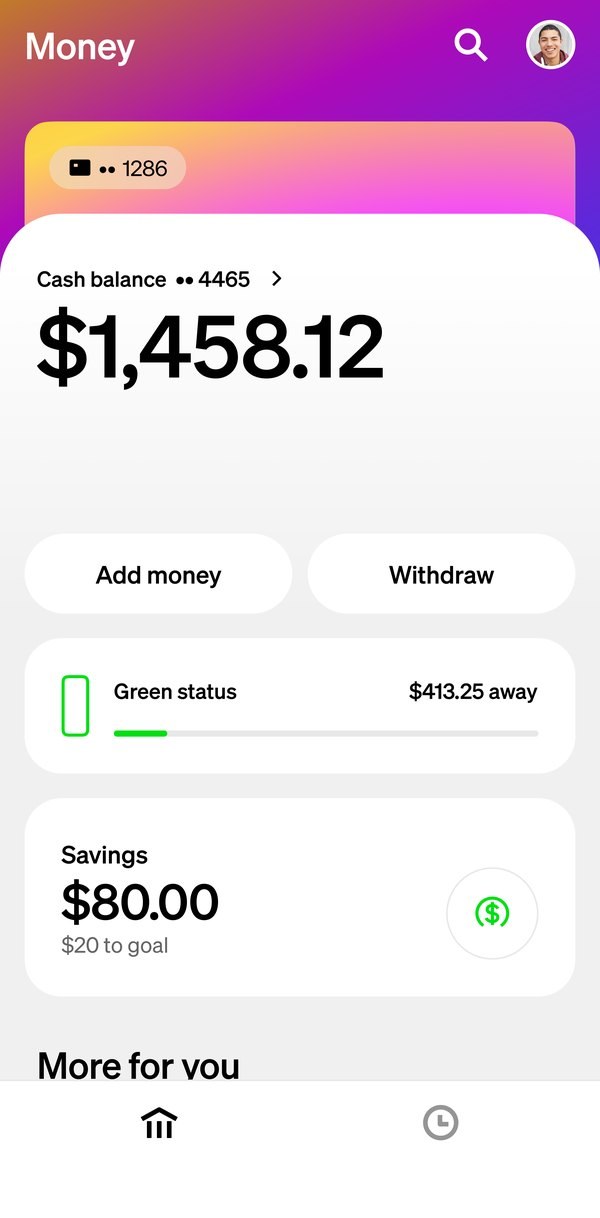
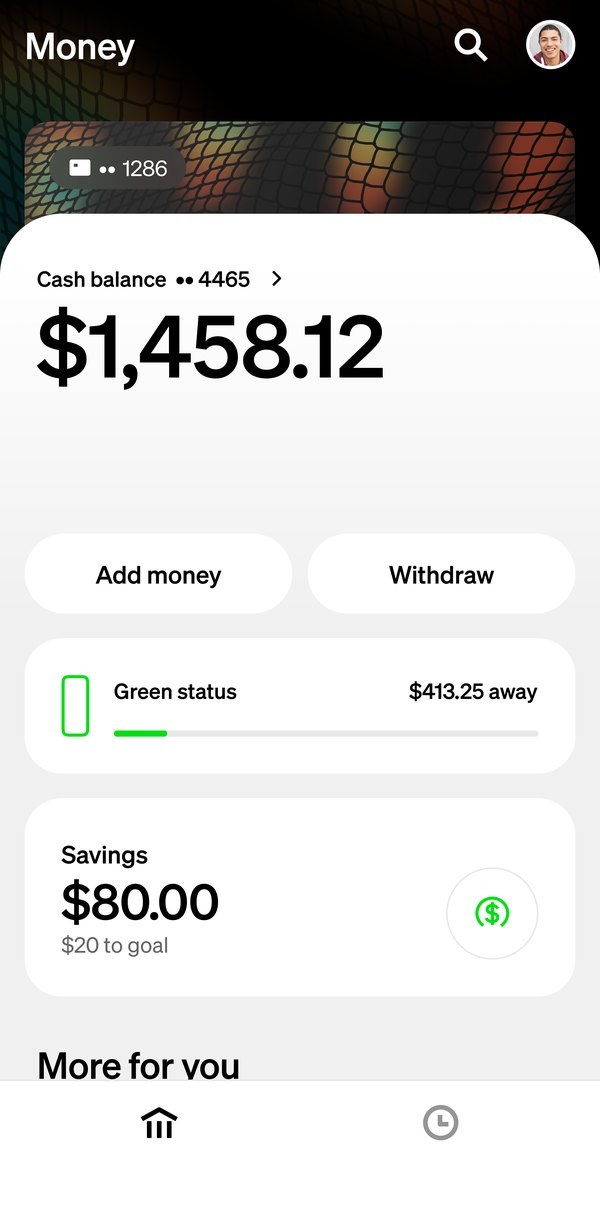
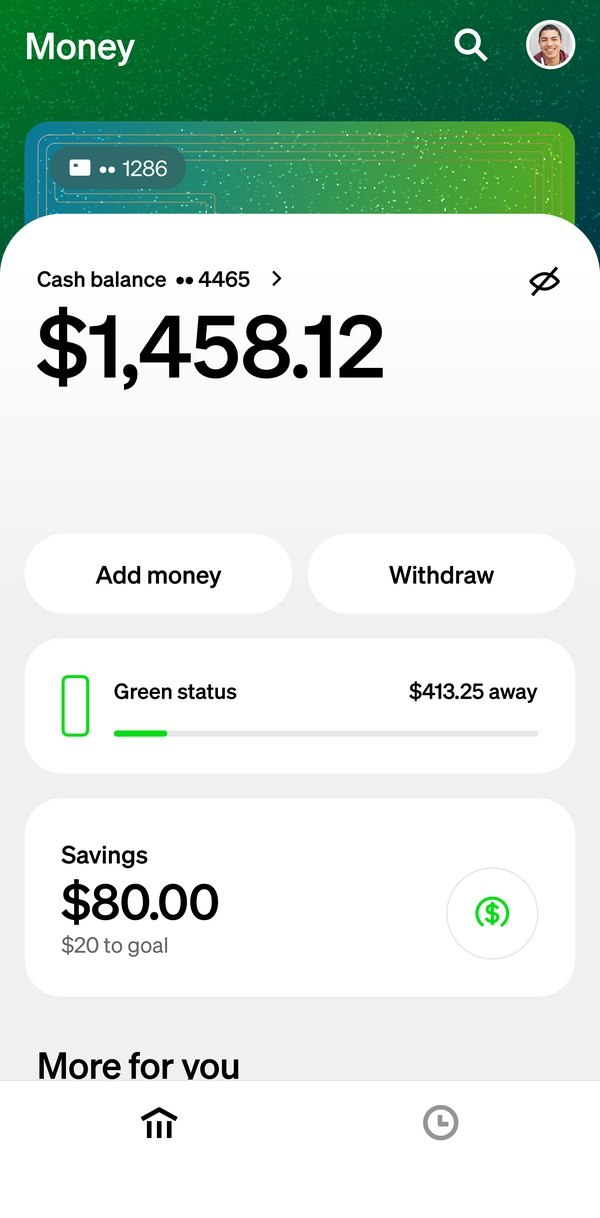
The Money tab themed by the green glitter card: the header and the card peeking above the balance take on its material
Home screen
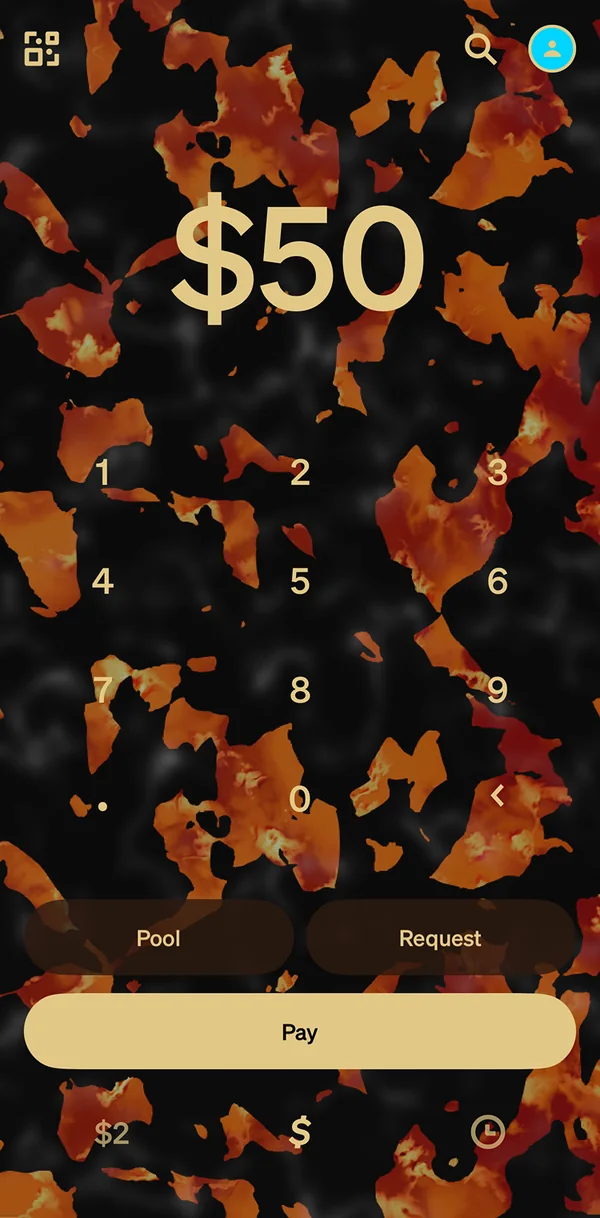
Keypad
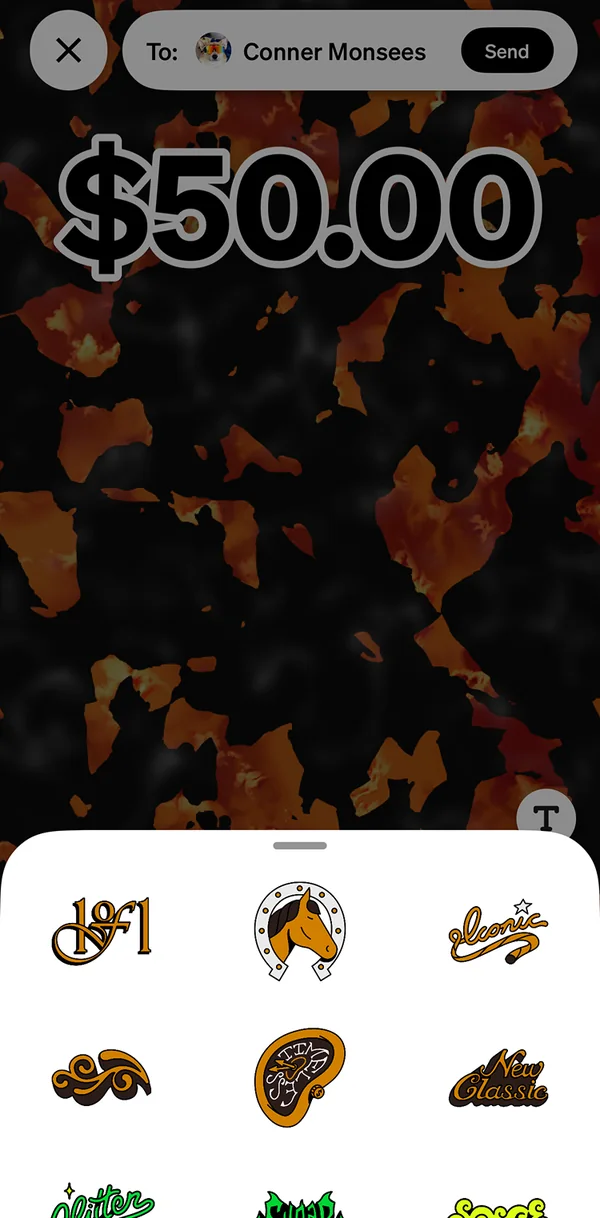
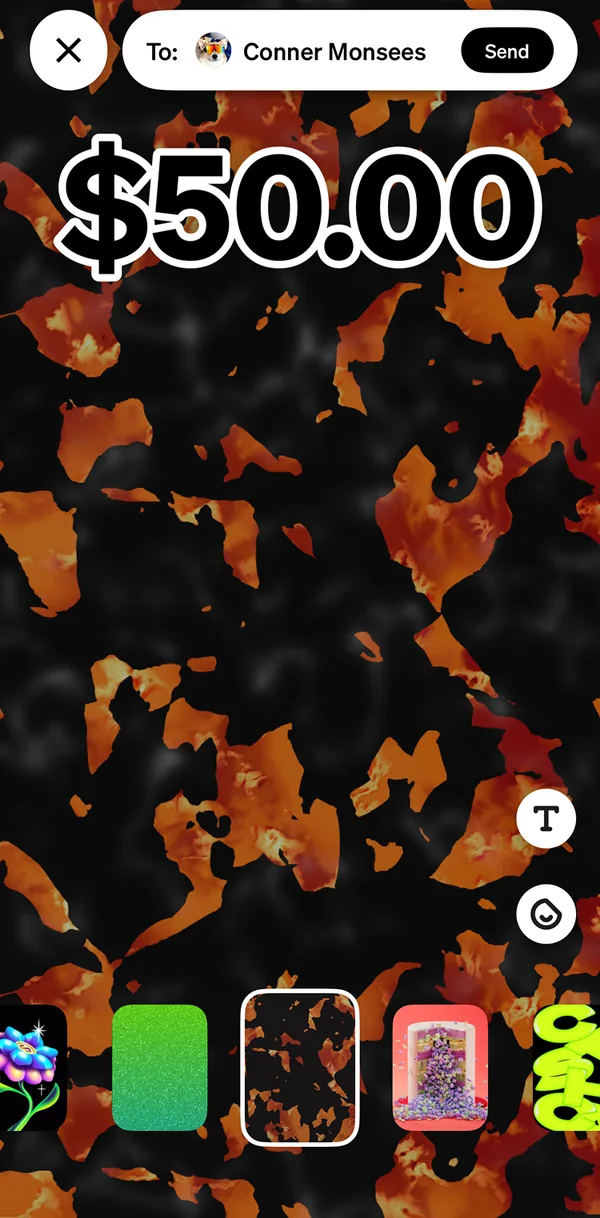
A $50 payment themed in tortoise, picked from the row of card themes
Payment
The same payment with the sticker sheet open: stickers drawn in the tortoise card's palette
Stickers
01, Materials made real

Expressive,physicallyand digitally.

Each material had to look and feel, digitally, like the one people fell in love with. Close wasn’t close enough. Then we spread the material to social surfaces like the keypad, payments and stickers.

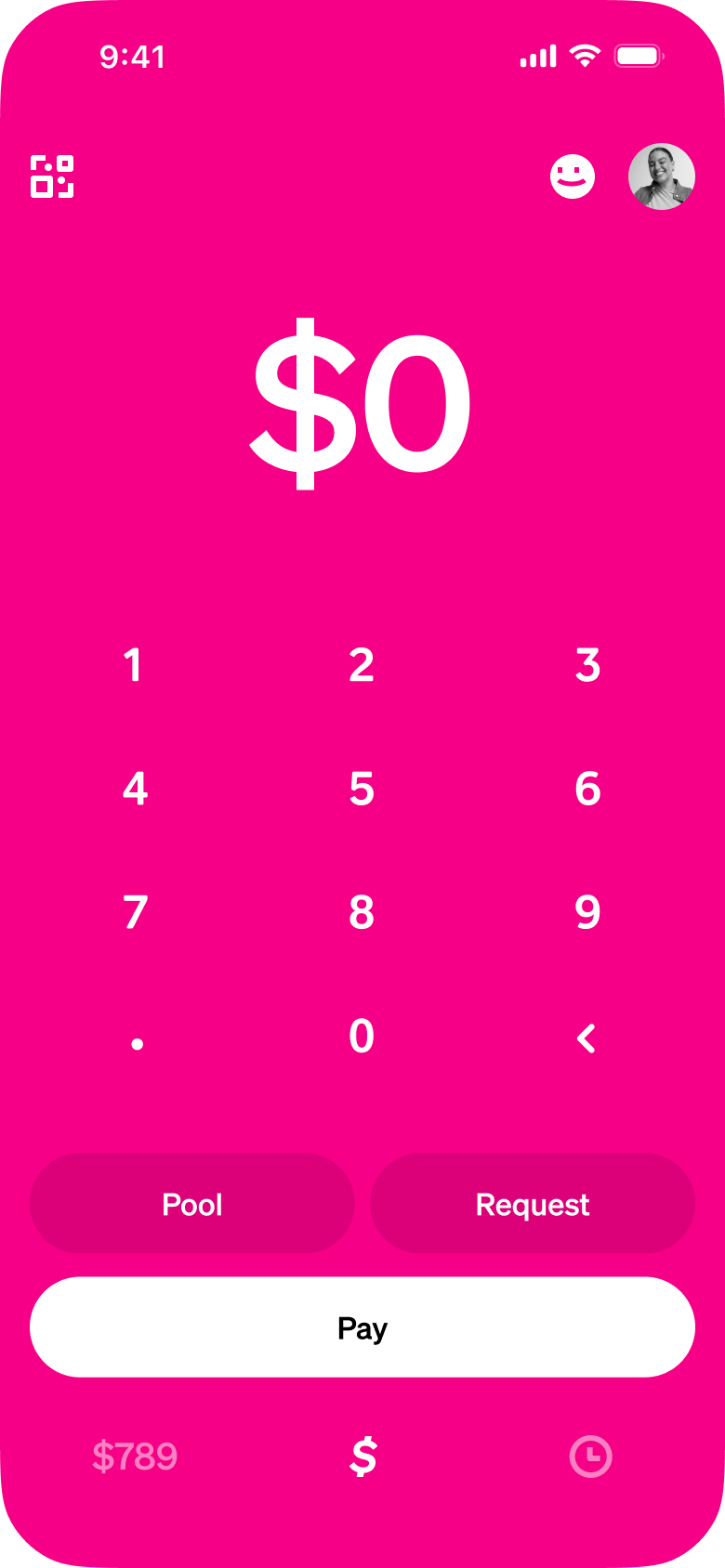
2023 · Pink

The app’s first theme.

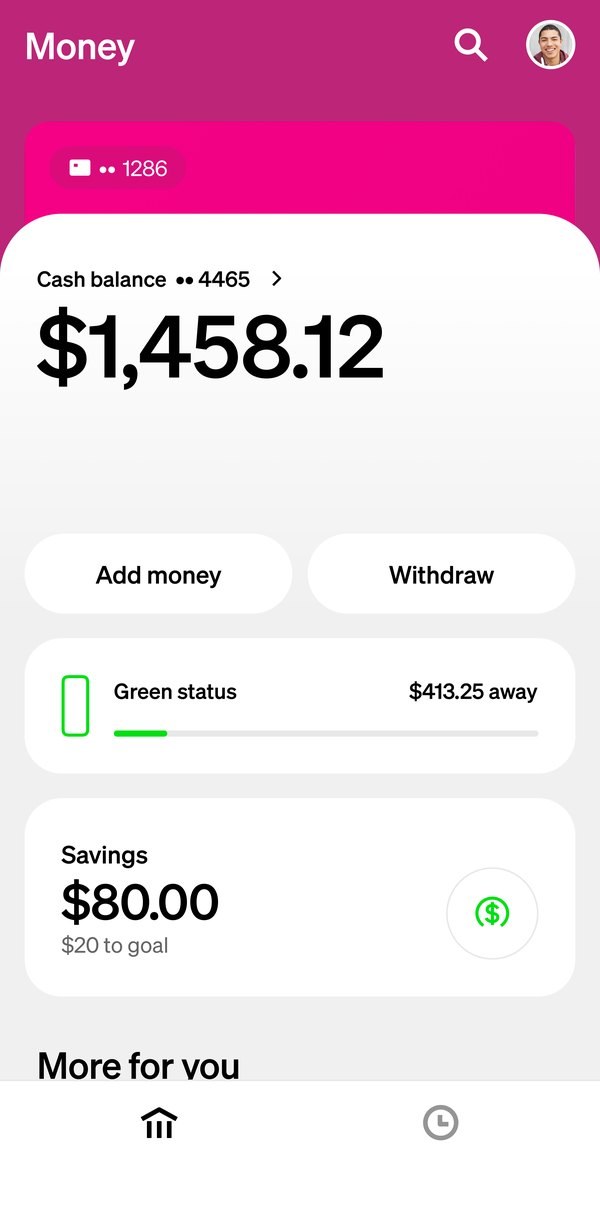
I pushed a pink keypad theme through for the pink card’s launch. For the first time, the card’s look left the card.
Mood

Reacts to heat, even digitally.

Mood changes color where it’s warmed. In the app it’s just as live, down to how heat spreads and fades. Warm it with your cursor.

The real card

The shipped app

Glitter

Glitter that actually glitters.

Sparkle and a see-through body, on both platforms, within tight phone limits. Its payment themes and stickers glittered too.

Tortoise

Pearl that catches the light.

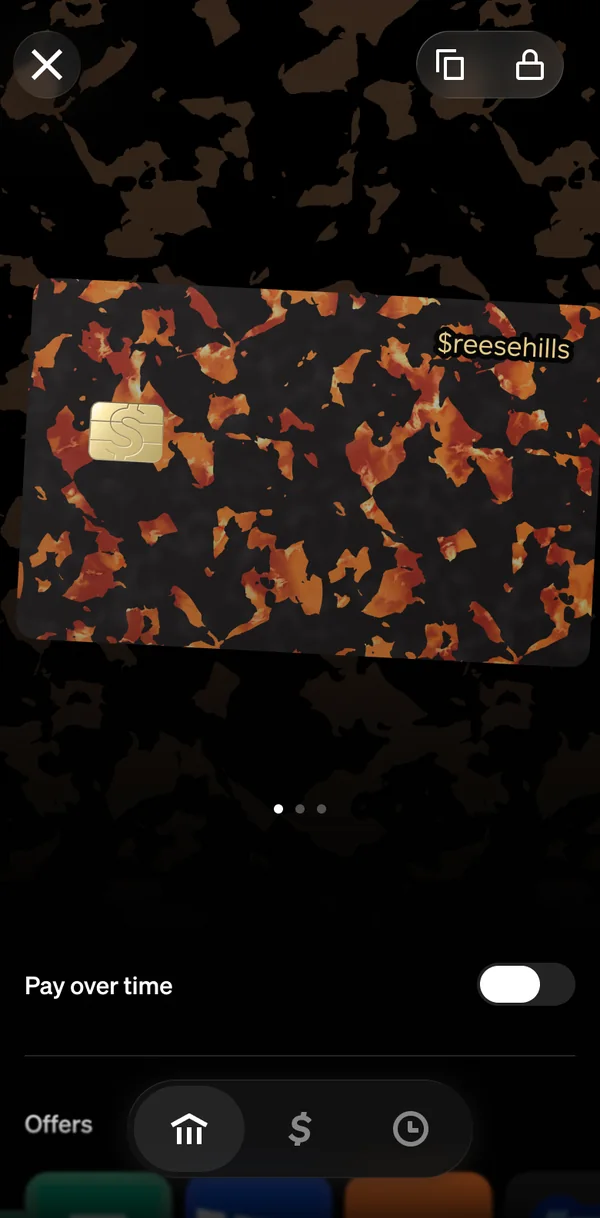
A static background wasn’t enough. The tortoise keypad theme has pearlescent highlights that light up as you tilt.

Holo

Holo, tuned one to one.

Two layers, each shifting color with the angle. I tuned it with the engineer, detail by detail, until it moved like the real card.

Holo, shipped

Side by side with the real card.

The real card beside the shipped app. Tilt both and the colors shift together.

Move your cursor to tilt

02, The Card tab

Big card,small screen.

The 3D card does real work: your numbers for paying online, your lock status at a glance. But spinning it takes room, so this was a complete redesign of the Card tab, not a feature bolted on: rebuilt around what people used most and what the card itself shows.
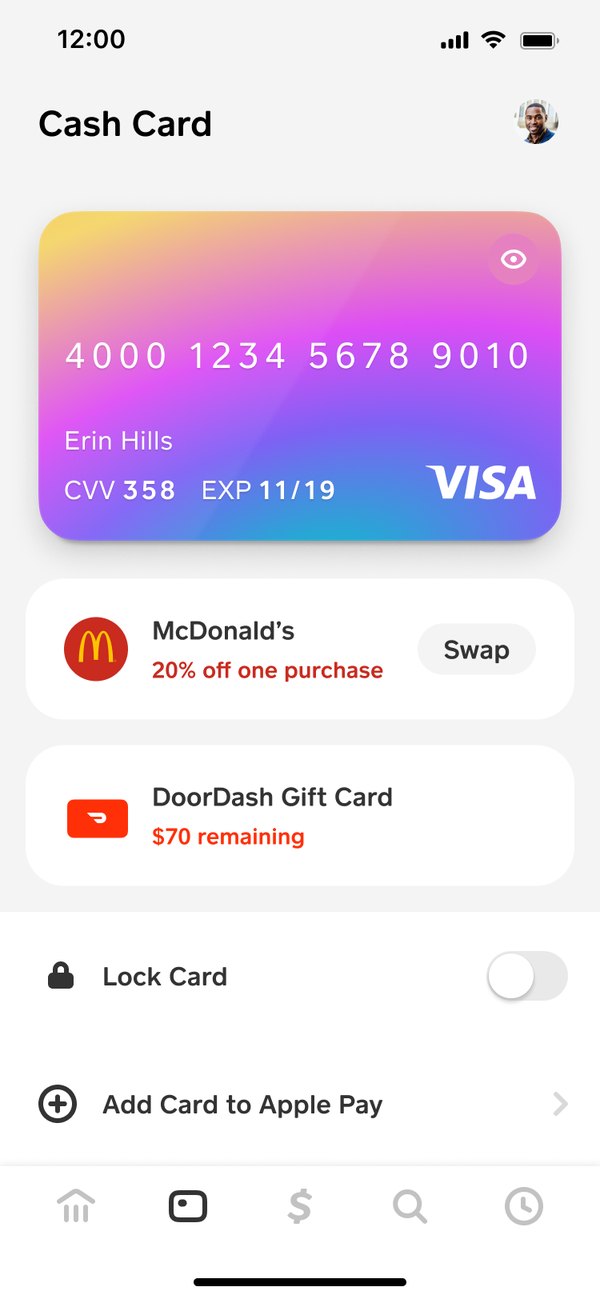
The Cash Card tab in 2022: a flat card image showing the full card number, offers and gift cards in boxes, then Lock Card and Add Card to Apple Pay

Before · 2022

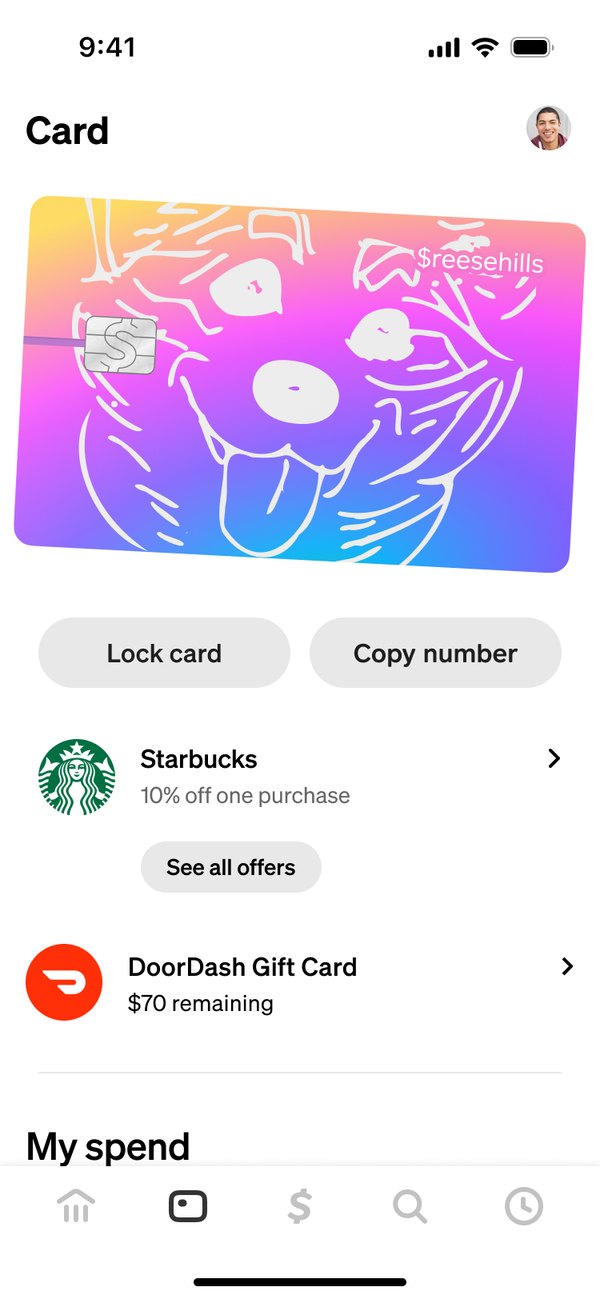
The Card tab in 2024: a custom card with a hand-drawn dog in 3D as the hero, Lock card and Copy number buttons, then offers and My spend

After · 2024

The real card, in 3DA flat picture that showed your full card number became your own design in 3D, with the numbers kept on its back.

Lock and copy, up topThe two most-used actions moved from a toggle at the bottom of a list to buttons right under the card.

More thanskin-deep.

The 3D card does more than show your card art: it shows details for easy online transactions, card states and account states.

Before · Ordering, 2023

After · Card tab, 2026

Physics with weightIt flips to its back and spins with momentum, then settles, like the card in your hand.

Your card, not a stand-inYour personalization on your real 3D material, not a flat approximation.
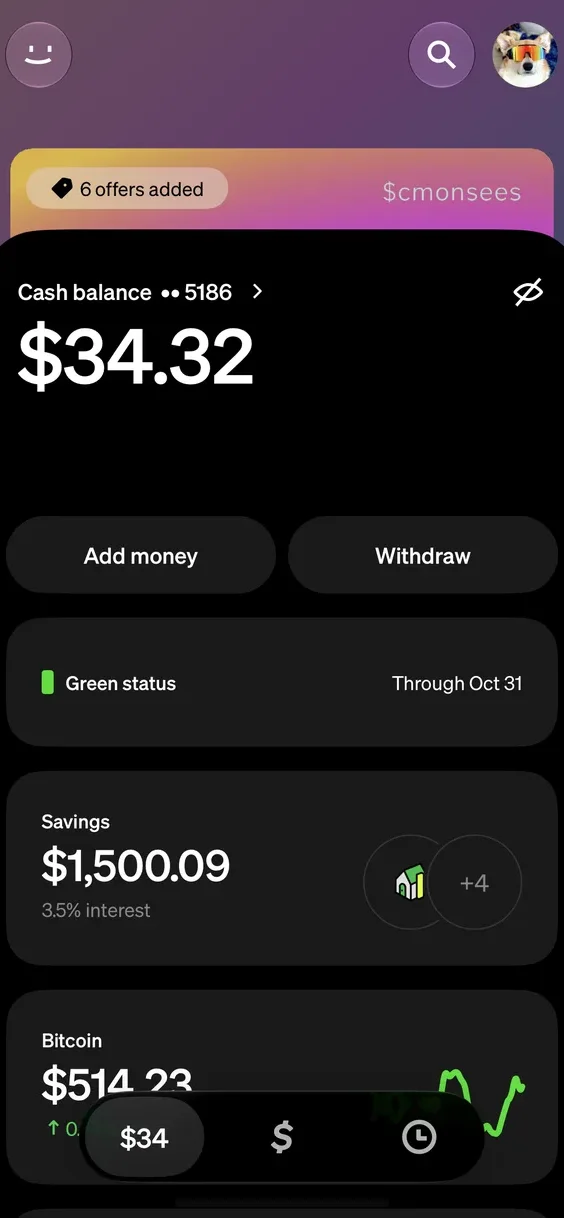
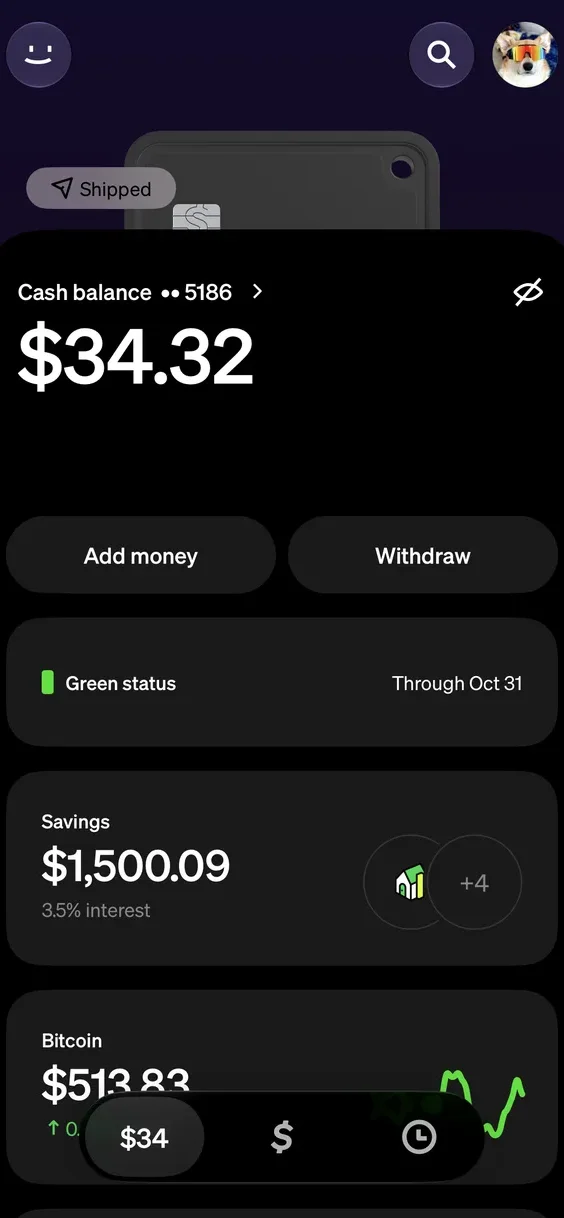
The card wears its state.

The Money tab with the orange-to-pink gradient card: a 6 offers added pill, with $cmonsees on the card
The Money tab with a black card on its way: a Shipped pill on the card above the balance
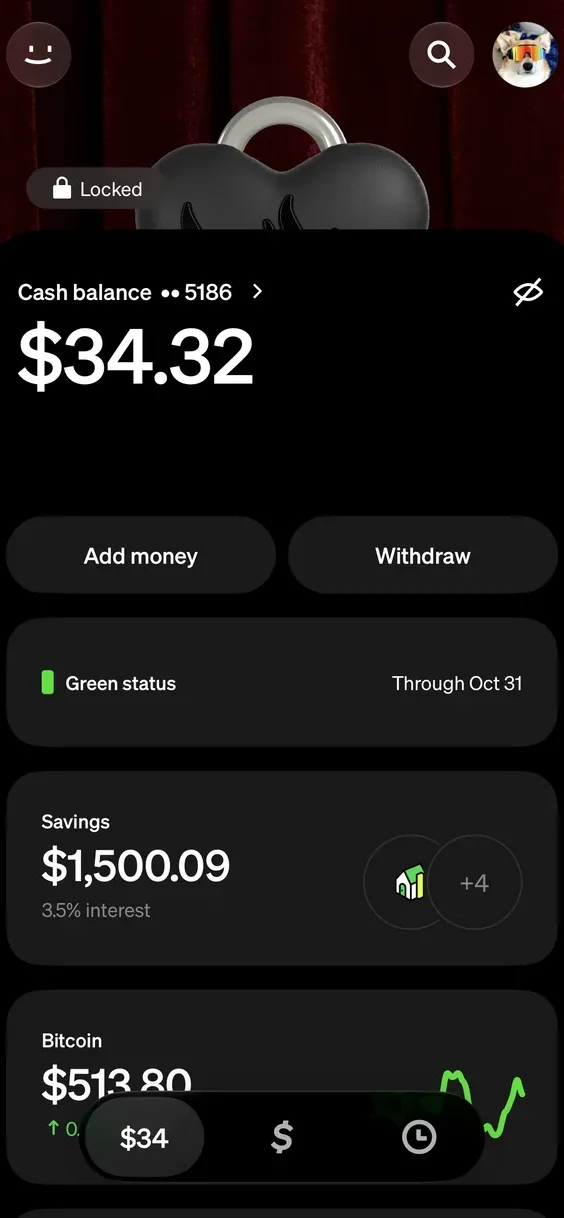
The Money tab with a heart-shaped Tag, its padlock shut: a Locked pill, over a red curtain theme
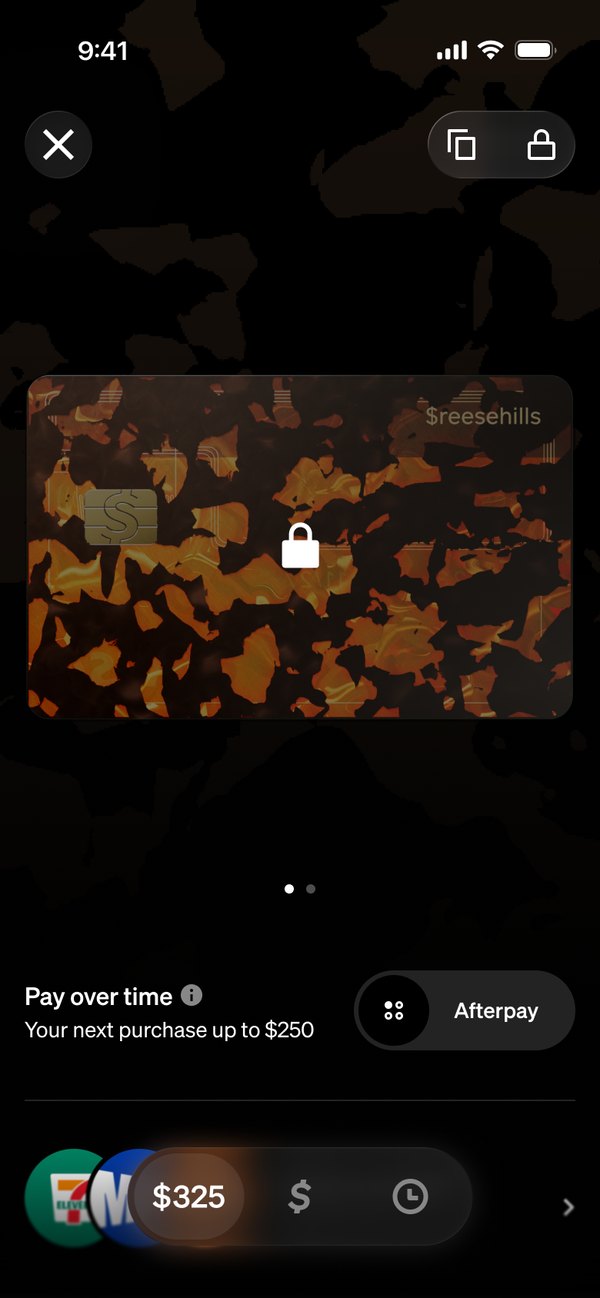
The tortoise card ringed by scrolling Pay over time text, with an Afterpay toggle switched on below
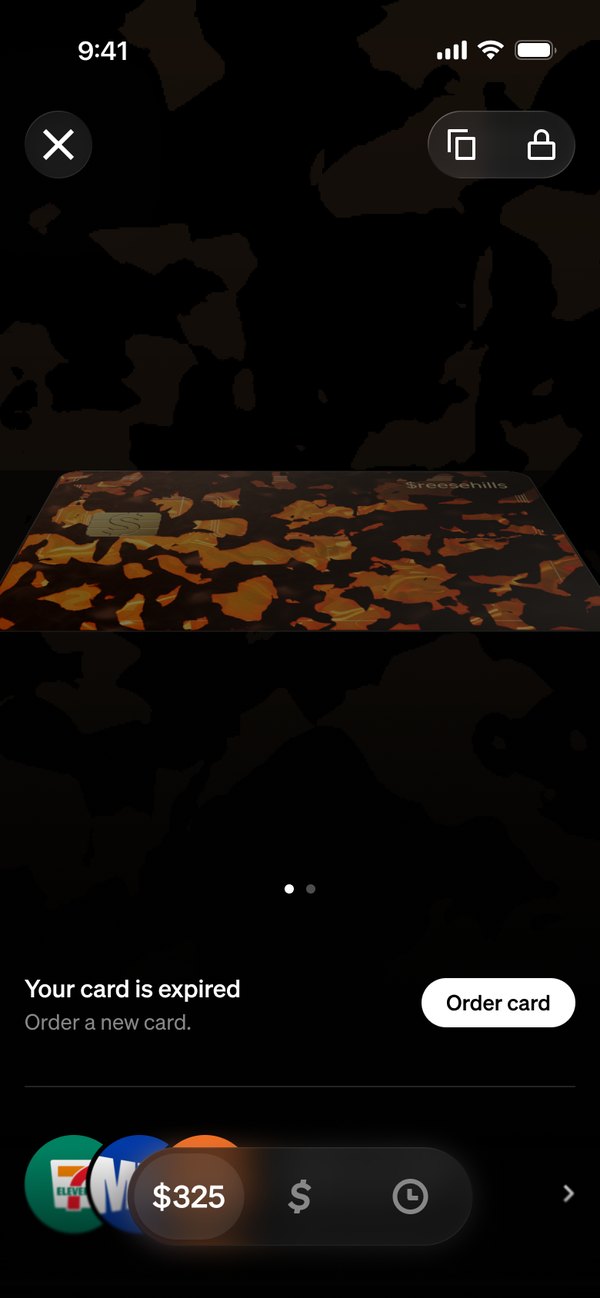
The card tipped back flat, with Your card is expired and an Order card button below
The card with a padlock on its face and the lock button filled in
On Money, the top status as a pill: 6 offers added, Shipped, Locked. On the Card tab, on the card itself: Pay over time, expired, locked
03, Spread

Home screenhero.

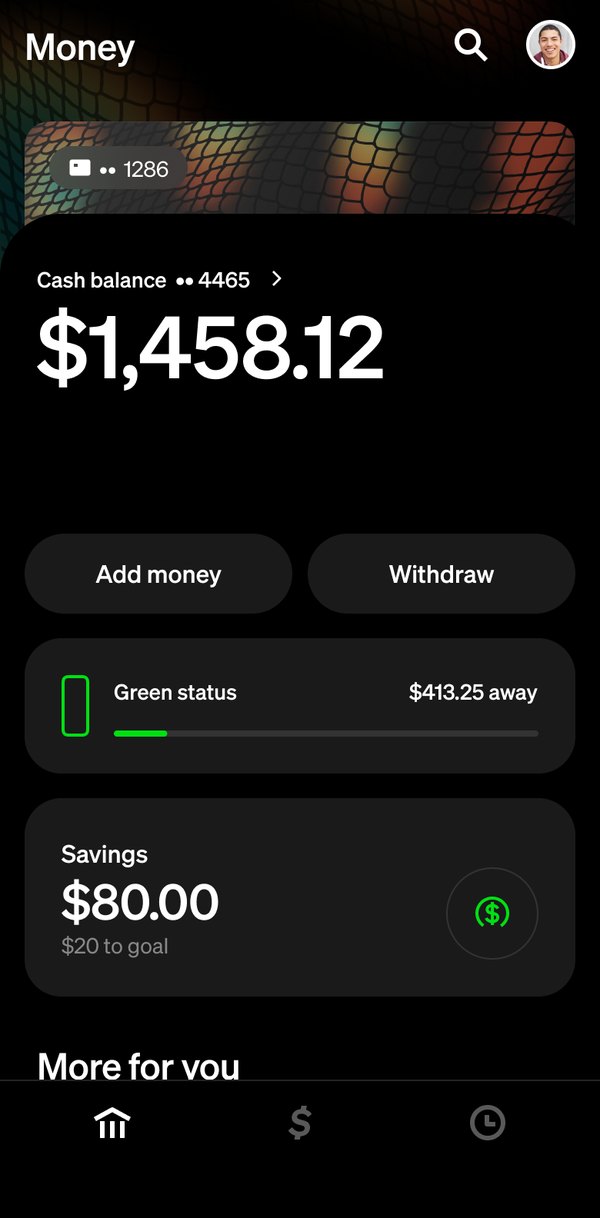
The Money tab themed by the green glitter card: the header and the card peeking above the balance take on its material The Money tab themed by the tortoise card: the header and the card peeking above the balance take on its material The Money tab themed by the orange-to-pink gradient card: the header and the card peeking above the balance take on its material The Money tab themed by the holo mesh card: the header and the card peeking above the balance take on its material The Money tab themed by the pink card: the header and the card peeking above the balance take on its material The Money tab themed by the lime card: the header and the card peeking above the balance take on its material The Money tab in dark mode, themed by the holo mesh card: the header and the card peeking above the balance take on its material

One material, multiple expressions.

A card signals who you are, so themes went where people see you: payments and the keypad.
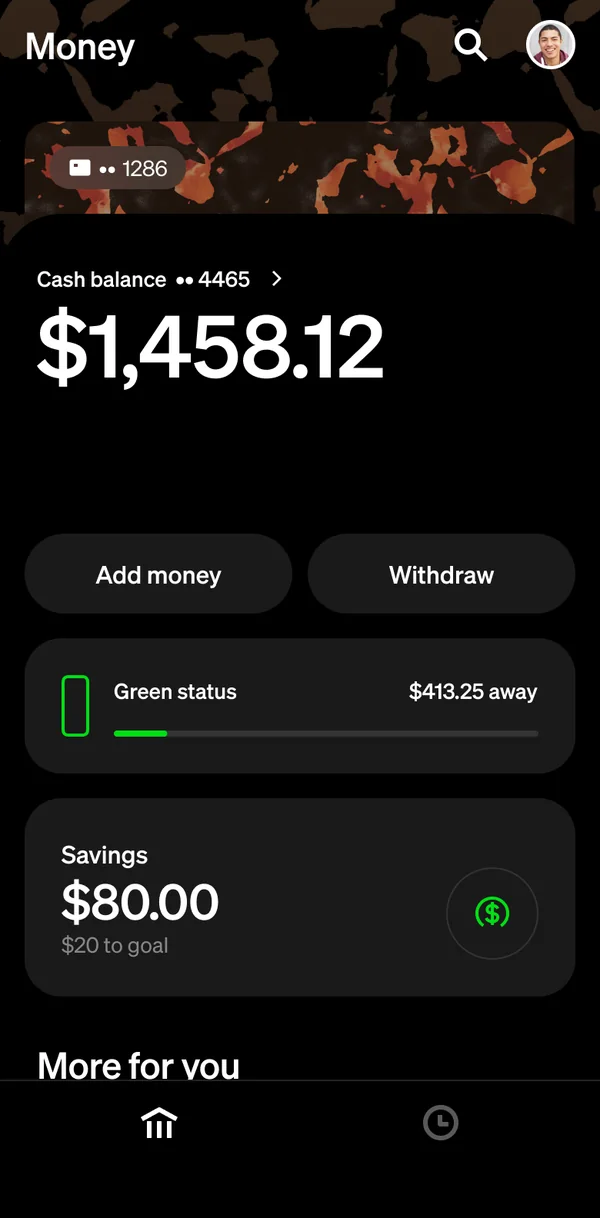
The Money tab: the header and the card peeking above the balance in tortoise
The Card tab with the tortoise card, its background in the same material
The keypad in the tortoise theme, showing $50
A $50 payment themed in tortoise, picked from the row of card themes
The same payment with the sticker sheet open: stickers drawn in the tortoise card's palette
One tortoise card, everywhere it shows up: the Money tab, the Card tab, the keypad, a payment and its stickers

Then the cardgot company.